Lesson 4: Users, Groups, Permissions
| Homepage | Content | Slides | Video |
Warning
This lesson is under construction. Learn from it at your own risk. If you have any feedback, please fill out our General Feedback Survey.
The User
You... ish.
$ whoami    # your username
$ who       # who is logged in?
$ w         # who is here and what are they doing?
$ id        # user ID, group ID, and groups you're in
Sometimes robots are users too: Apache, Mailman, ntp.
What a User has
/etc/passwd:
root:x:0:0:root:/root:/bin/bash
username:password:uid:gid:uid info:home directory:shell
What Users Can Do
- Change Passwords with the passwd command.
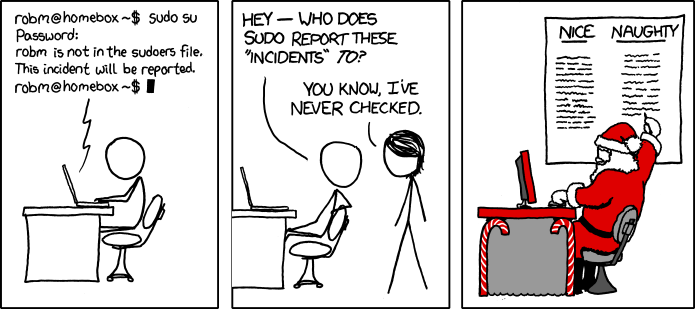
- Act as Another user with su.
$ su $USER          # become user, with THEIR password
$ su                # become root, with root's password
$ sudo su -         # use your password instead of root's
$ sudo su $USER     # become $USER with your password
Act as themselves.
- ls -l to see file permissions.
- Check the file’s group and user.
- Check the file’s read, write, and execute bits.
Managing Groups and Users
$ cat /etc/passwd
# username:x:UID:GID:GECOS:homedir:shell
$ useradd <user_name>  # vs adduser, the friendly Ubuntu version
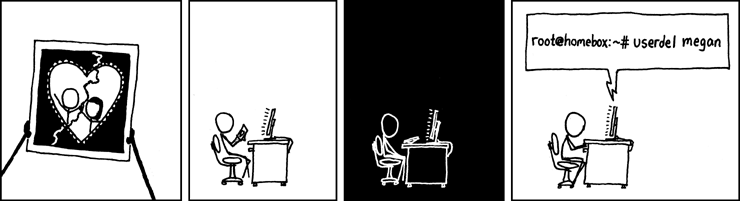
$ userdel <user_name>
$ passwd
$ groupadd
$ usermod
$ groupmod
$ cat /etc/group
    root:x:0:
Examples of Non-Human Users
- mailman: For the mailing list program.
- apache: For the HTTP Server.
- postfix: For the other mail program.
Root and Sudo
- Root:
- Basically god on Linux.
[foo@compe ~]$ yum install httpd    # Runs command as `foo` user
Loaded plugins: fastestmirror, ovl
ovl: Error while doing RPMdb copy-up:
[Errno 13] Permission denied: '/var/lib/rpm/__db.002'
You need to be root to perform this command.
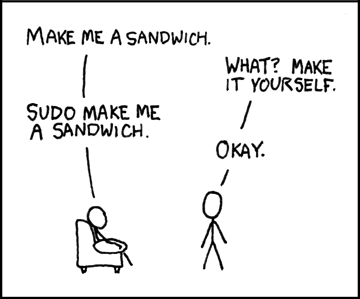
[foo@compe ~]$ sudo yum install httpd    # Runs command as `root` user.
password:
Loaded plugins: fastestmirror, ovl
[... installs correctly ...]
Warning
Acting as root is dangerous! You can accidentally delete your filesystem, forcing you to completley re-install your OS! Type carefully.
TODO
- Create a user on your system for yourself, with your preferred username.
- Give your user sudo powers.
- Use su to get into your user account.
- Change your password.
- Create a directory called bootcamp in your home directory.
- Create a group called devops.