Lesson 15: Dev Processes & Tools
| Homepage | Content | Slides | Video |
Warning
This lesson is under construction. Learn from it at your own risk. If you have any feedback, please fill out our General Feedback Survey.
Code Analsis
(How to( find( the missing parenthesis)).
- Static
These tools look at your code files and never actually run the program.
Includes Linting and Type Checking.
- Dynamic
Dynamic Code Analysis tools actually run your code and make verifications by watching how your program acts, where it fails, what it does in memory, and if your tests are adequate enough.
Includes Debuggers, Memory Profiling Tools, and Code Coverage.
Debugging Tools
- Print (broken) variables.
- Read and reports error messages.
- Highlight (incorrect) syntax.
CLI Tools
- C/C++
- GDB: Used to inspect and debug everything in a C program from variables to why it encountered a fatal failure. Generally called the swiss-army-knife of debugging, a great tool to use in programming, allows you to set ‘break points’ where the program stops mid-run and you can see what it’s doing.
- Valgrind: Used specifically to inspect and debug memory issues.
$ valgrind ./tests/bin/lexer_tests
...
==6703== Conditional jump or move depends on uninitialised value(s)
...
==6703==    by 0x4018C1: print_token (lexer.c:36)
==6703==    by 0x4011F7: test_get_tok (lexer_tests.c:54)
==6703==    by 0x4008CD: main (lexer_tests.c:8)
...
==6703== LEAK SUMMARY:
==6703==    definitely lost: 192 bytes in 8 blocks
==6703==    indirectly lost: 162 bytes in 10 blocks
- Python
- PDB: The GDB tool for python.
- Stack Traces: A feature built into Python. Explains what function calls triggered a fatal failure. Not interactive but very useful for debugging in development.
$ python some_script.py
Traceback (most recent call last):
    File "<stdin>", line 1, in <module>
    File "<stdin>", line 2, in f
TypeError: unsupported operand type(s) for * : 'int' and 'NoneType'
- NodeJS
- node debug: Built into NodeJS used to debug programs in the language.
- Node Inspector: External tool for debugging NodeJS programs.
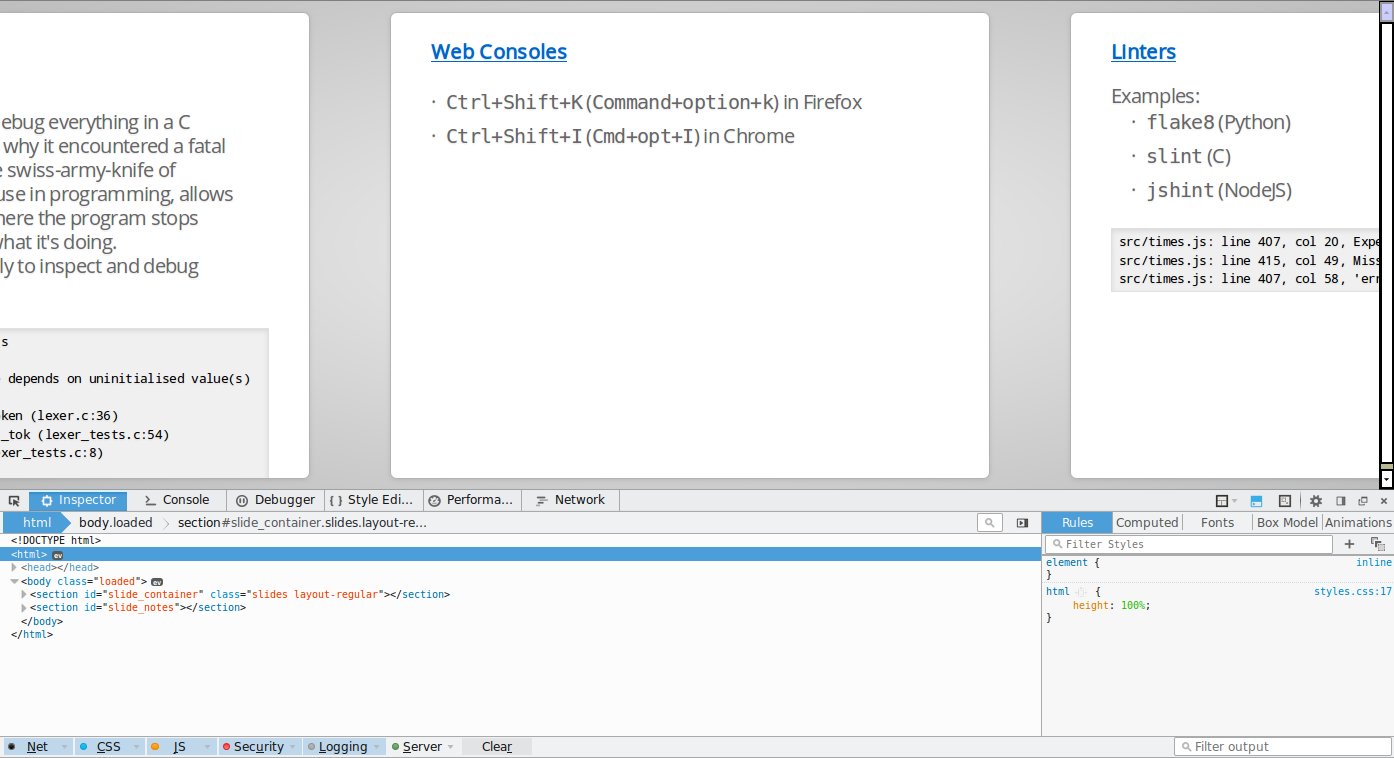
Linters
- Examples:
- flake8 (Python)
- slint (C)
- jshint (NodeJS)
src/times.js: line 407, col 20, Expected '{' and instead saw 'return'.
src/times.js: line 415, col 49, Missing semicolon.
src/times.js: line 407, col 58, 'error' is not defined.
TODO: Lint the Code!
Code Coverage
Integrated Development Environments (IDE)
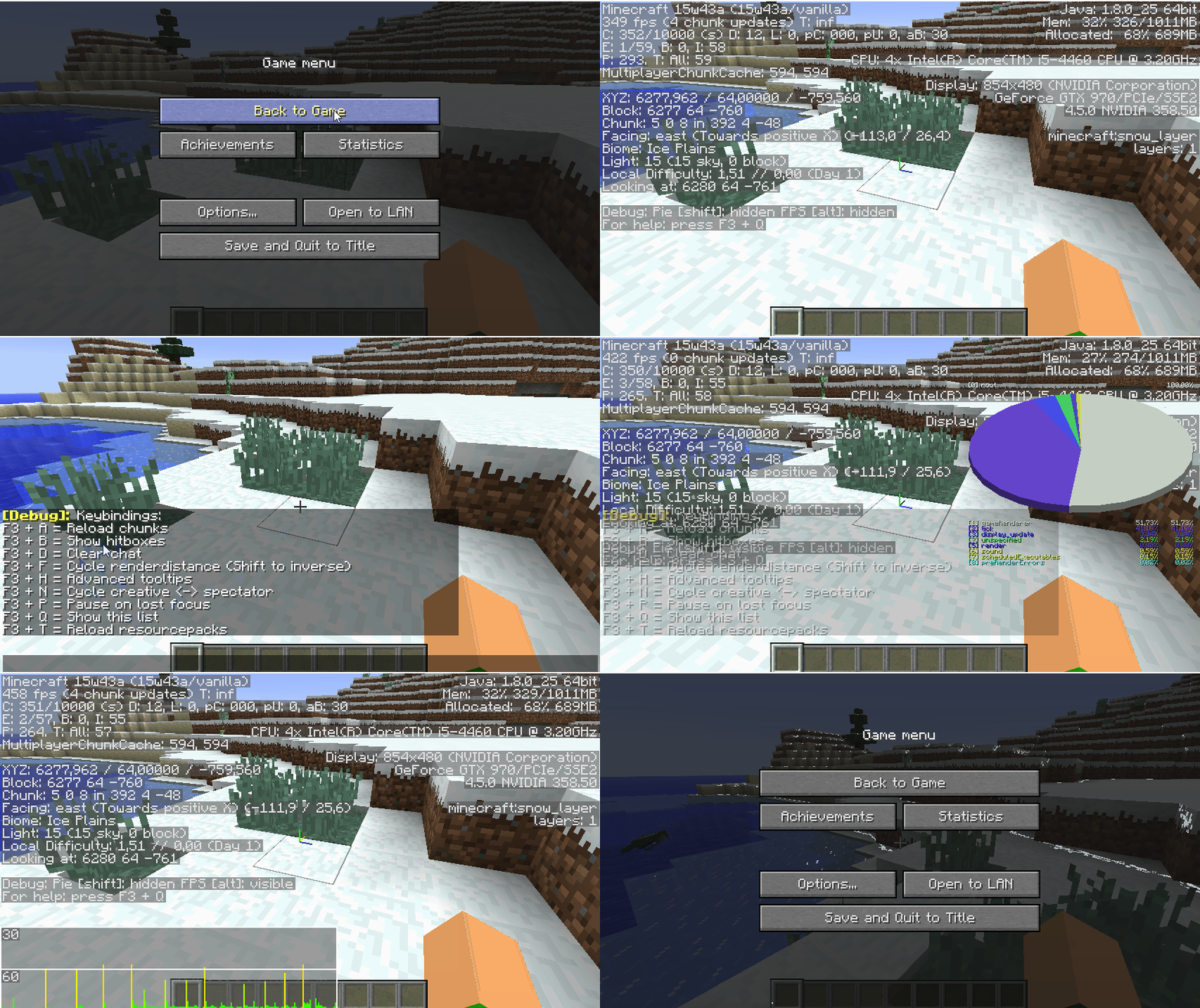
- Examples:
- Netbeans: Java
- Visual Studio: .NET
- PyCharm: Python
- Eclipse: Misc
Style Guides
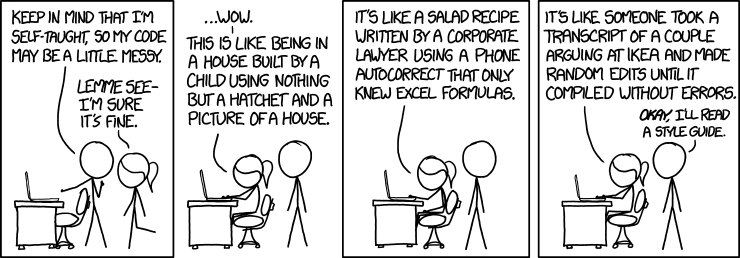
Example: Linux Kernel Standards
The Linux kernel style guidelines are actually fun to read:
First off, I’d suggest printing out a copy of the GNU coding standards, and NOT read it. Burn them, it’s a great symbolic gesture.
NASA’s Jet Propulsion Laboratory style guidelines are very short and are concerned with automated tooling to do code analysis:
All loops shall have a statically determinable upper-bound on the maximum number of loop iterations.
Style Guides Enforced by Linters
Dependency Isolation
Python: Virtualenv
Setup and enter the virtual environment.
$ virtualenv <virtualenv name>
New python executable in /path/to/<venv name>/bin/python
Installing setuptools, pip, wheel...
done.
$ soruce <venv name>/bin/activate
Install a package. This installs it in the current working directory and so does not ask for root permissions.
(<venv name>) $ pip install flask
[...]
To list all packages in the venv:
(<venv name>) $ pip freeze
click==6.6
Flask==0.11.1
itsdangerous==0.24
Jinja2==2.8
MarkupSafe==0.23
Werkzeug==0.11.11
Deactivate (leave) the venv.
(<venv name>) $ deactivate
$
Other Examples
- Node.js:
- Creates a node_modules directory and tracks dependencies in package.json.
- Go:
- Dependencies are tracked via git repositories and using the go get command.
- Rust:
- Dependencies and versions are specified in Cargo.toml. All compiled code (and dependencies) are stored in a target directory.
Development Servers
A Carbon Copy of the Production Environment(s)
TODO
Further Reading
- The Community Ruby Style Guide is a good resource for anybody learning Ruby. It’s the style guide that Rubocop enforces.
- The Official Python Style Guide is a well respected style guide for Python and is commonly accepted as the python style guide.